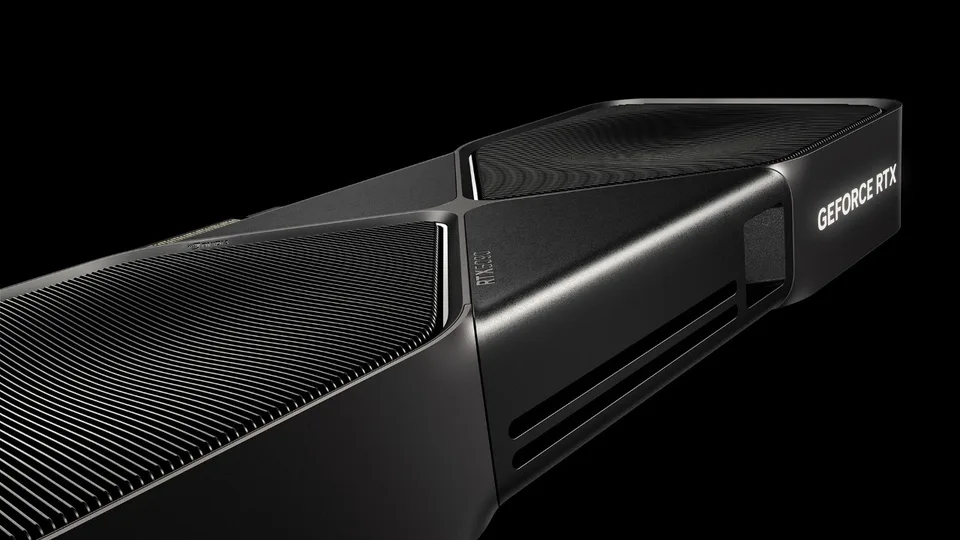
Graphics card for gaming in 2026: how much power is really enough?
From 1080p to 4K and from raw FPS to AI upscaling — a practical look at what makes a good gaming experience today
When choosing a graphics card, it is easy to get lost among big numbers: teraflops, memory capacity, refresh rate and promises of hundreds of frames per second. A good gaming experience is not one number, though. It depends on the monitor's resolution, the games we actually play, image settings and how responsive the computer feels while moving, aiming or driving through an open world.
In 2026, the GeForce RTX 50 family, AMD's Radeon RX 9000 and Intel's Arc cards are in the spotlight. At the same time as new hardware generations arrive, technologies that upscale the image or insert additional frames are also developing quickly. This is useful — as long as we know what each feature does and what it cannot replace.
1. Choose the display before choosing the card Resolution is a good starting point because it determines how many pixels the computer must render. A 4K display has roughly four times as many as 1080p; 1440p is a middle option that gives many desks a noticeably sharper image without the same load as 4K. This does not mean 4K is always four times slower — the processor, game, lighting effects and settings also matter — but it explains why the same card usually reaches fewer frames at a higher resolution.
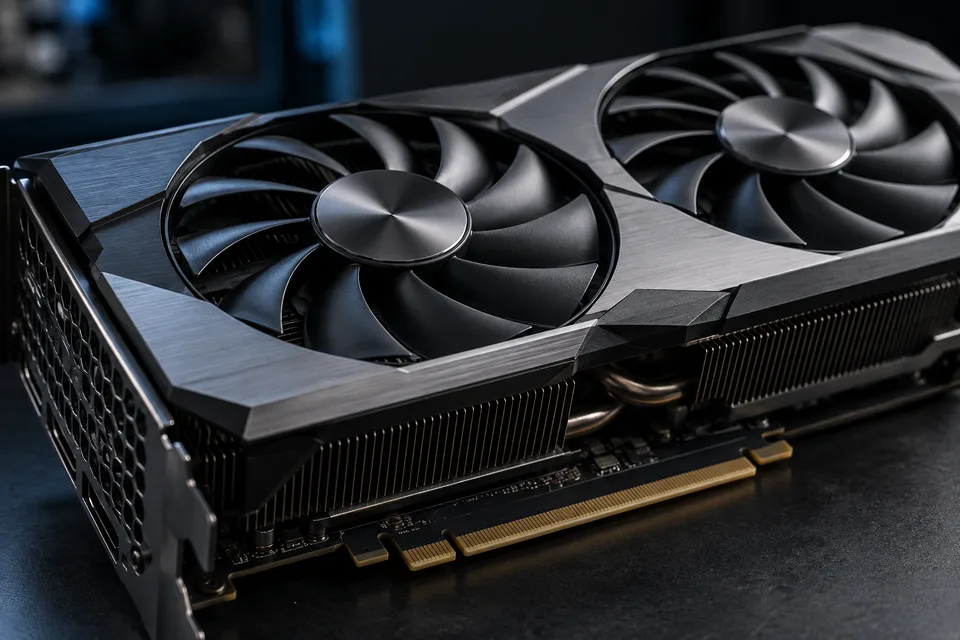
Think about the monitor too. If the display refreshes more slowly than the computer can prepare frames, some of the extra speed will not be visible in full. Variable refresh helps reduce tearing, but it does not change the basic question: do we want a very high and stable frame rate in a competitive game or richer effects in a single-player adventure?
2. Memory matters, but it is not a speed rating Video memory (VRAM) stores data the graphics card needs for the image, including textures and the game's working data. Higher resolution and very detailed textures can use more of it. When it runs out, stuttering, late texture loading or the need to lower quality can appear.
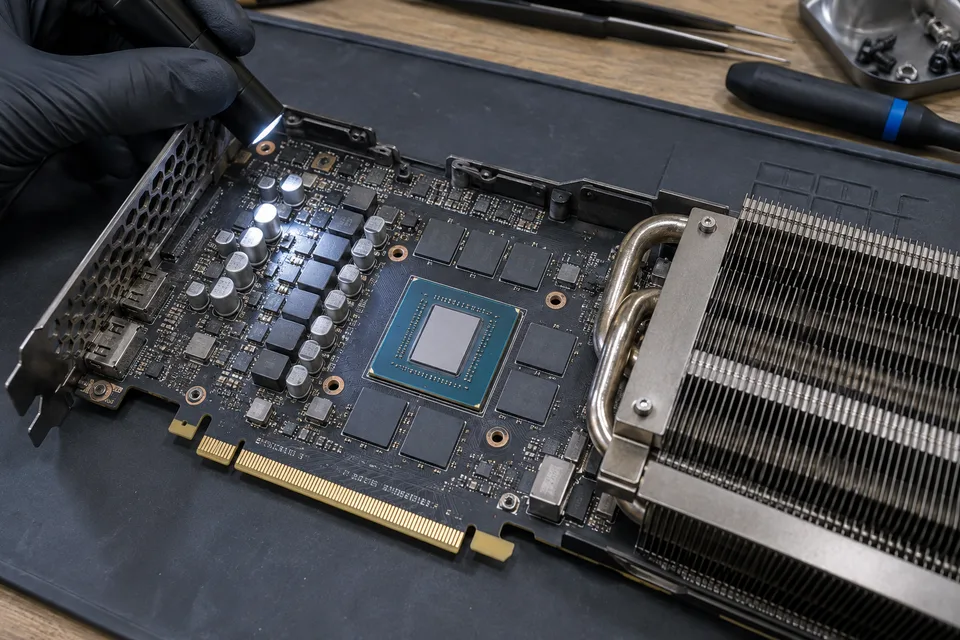
VRAM capacity alone does not say how fast a card is. The graphics processor, memory bandwidth, power use, cooling and price also matter. Even within one family there are differences: on its current pages AMD lists, for example, the RX 9070 GRE with 12 GB and the RX 9060 XT with 16 GB. These are different models with different goals, so comparing only gigabytes does not tell us which will be faster in our game.
3. Three brands, several routes to a better picture Traditional rendering still does the basic work: the graphics card calculates the scene and draws a frame. When we enable more demanding lighting or raise the resolution, the load grows. That is why manufacturers also offer image-upscaling and frame-generation technologies.
NVIDIA announced in August 2026 that DLSS 4.5 Ray Reconstruction is available for games with ray tracing or path tracing. The DLSS 4.5 package also includes updated super resolution and several frame-generation modes. AMD's FSR “Redstone” platform combines machine learning for upscaling with frame generation and lighting-effect reconstruction; compatibility depends on the graphics card and game support. Intel XeSS 3 combines super resolution, frame generation and lower-latency features, with multi-frame generation also available on supported Intel hardware.
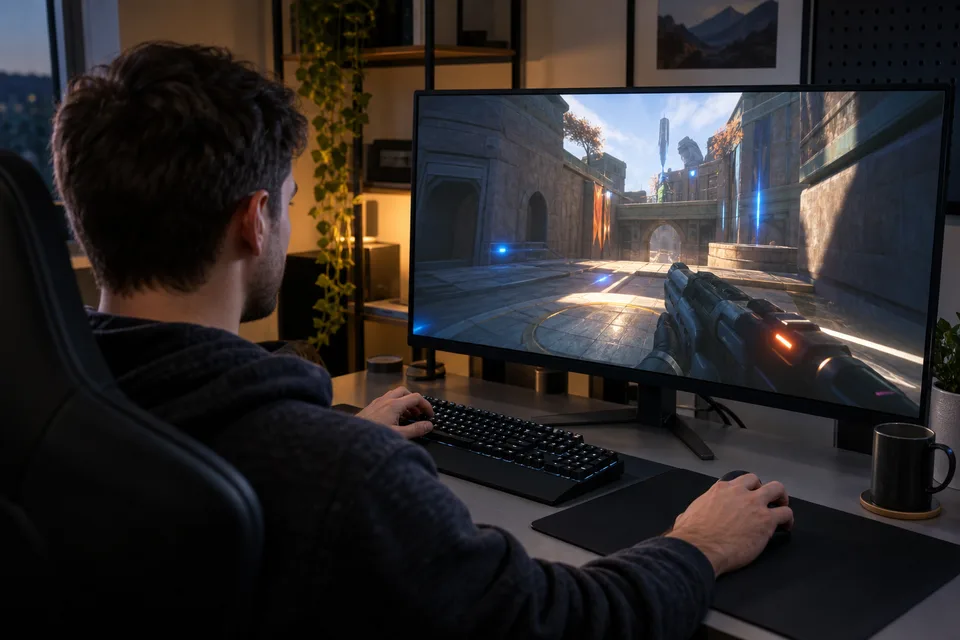
These three technology families cannot be replaced by one universal switch. Support depends on the game, graphics card and selected version. Before buying, check whether the titles you play support the technology rather than relying only on a manufacturer's demonstration video.
Upscaling starts with a lower internal resolution and builds a sharper image from it. This can bring more performance, but the result depends on the quality mode, movement in the scene and the implementation in each game. With the most aggressive settings, fine details may shimmer or look softer. It makes sense to compare a still scene and motion and choose the highest quality that still meets our goal.
4. More displayed frames do not always mean the same responsiveness Frame generation inserts intermediate images between frames rendered normally by the game. Motion can look smoother, but the extra frames are not the same as new, directly rendered frames: they do not mean the game calculated more new responses to the keyboard or mouse in the same time. In competitive shooters, stable base performance, low latency and a good monitor are therefore often more important than the highest number shown by the FPS counter.
For a single-player adventure, the priority can be different: richer lighting, sharper textures and smooth motion can improve the sense of place. Frame generation can be useful if the base performance is already good enough and the response still feels pleasant. If the game barely moves without extra frames, first lower demanding settings or resolution and check whether the computer has a bottleneck elsewhere.
5. Cooling, the power supply and case space are part of the purchase A graphics card works inside the rest of the computer, not in an empty catalogue. Before buying, check the manufacturer's recommendations for the specific model's power supply, connectors and consumption. You also need to check the card's length, thickness, available slots and cable clearance. The product family is not enough: two models with the same graphics chip can differ considerably in size and cooling.
Good case airflow helps keep the fans from becoming the loudest part of the room. Do not strain power cables during assembly and follow the instructions from the card and power-supply manufacturers, especially with modern high-performance models. If you are unsure, check the documentation for the actual components instead of guessing from a photo of a similar computer.
A short checklist before choosing First determine the monitor's resolution and refresh rate. Then choose a few games you really play and check performance at the same settings and with the same game version. Compare rendering without frame generation and with it separately; also watch latency, stutter and the lowest frame-rate dips, not only average FPS. Finally check memory, card dimensions, power supply and cooling for the whole computer.
When comparing results, keep the source in mind. Manufacturer charts show what is possible in their test system, but are not automatically an independent comparison of all cards. The most useful decision is based on the games and display you have and on the total cost of the upgrade.
The graphics card is still the heart of a gaming computer, but it does not determine everything on its own. The right choice provides enough image quality and responsiveness for the way we play — without paying for features we will not use and without surprises when the card does not fit the case.
Sources: NVIDIA GeForce RTX 50 Series, NVIDIA: DLSS 4.5 Ray Reconstruction and Gamescom 2026 news, AMD Radeon RX graphics cards, AMD FSR technologies and compatibility, Intel XeSS 3 for developers
This content was created with the assistance of AI. English translation generated with AI and reviewed by the editorial team.
AI translated
Photo gallery