Gaming monitor or regular display? What you actually notice
More hertz, faster response and less screen tearing — when does the upgrade really make a difference for gaming?
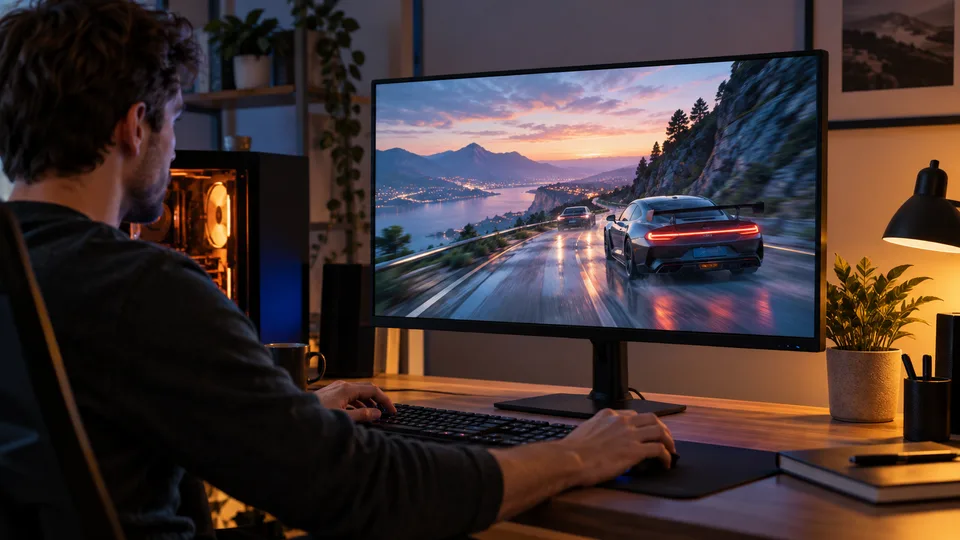
Two 27-inch monitors can sit next to each other with equally sharp pictures, yet behave very differently in a fast game. One refreshes 60 times per second, the other 144 times; one adjusts its refresh rate to the graphics card, the other does not. The difference is not the “gaming” label, but the display's actual properties.

A gaming monitor is not one single technology “Gaming monitor” is mainly a label for a display that usually emphasises a higher refresh rate, fast pixel response and synchronisation features for the graphics card. But the label is no guarantee: an ordinary desktop monitor may have 100 or 120 Hz, adaptive refresh and a very good picture. A gaming model may be fast but average in colour, HDR or stand quality.
An ordinary desktop monitor is often chosen for working with text, spreadsheets, the web and video. In that case resolution, readability, a comfortable stand, connections and colours may matter more than the highest possible refresh rate. For mixed use, it therefore makes sense to compare specifications rather than the names on the boxes.
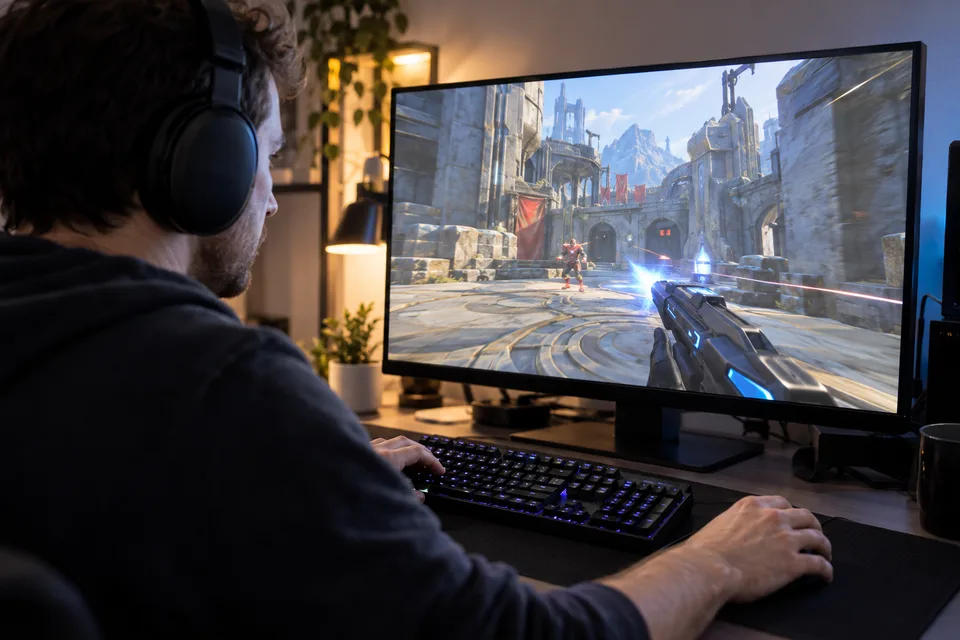
Three differences you can feel Refresh rate. A 60 Hz display can show up to 60 refreshes per second; at 144 Hz, up to 144. The gap between refreshes falls from roughly 16.7 to 6.9 milliseconds. When moving the mouse, quickly turning the camera or scrolling a page, motion can therefore look smoother. It is most obvious when the game and computer produce enough frames to actually use the higher refresh rate.
Check the combination of resolution and refresh rate, not only the largest number on the box. Some displays offer a higher Hz only at a lower resolution or through a particular connection; VESA certification for “dual mode” therefore checks both modes separately. What matters is what the monitor can do at the resolution you will really use.
Pixel response and latency. Response time describes how quickly a pixel changes colour; latency describes how long it takes for an input to appear. They are not the same measurement. Slow response can leave a trail behind a moving object (“ghosting”), while overly aggressive overdrive can create bright outlines. That is why “1 ms” by itself is not enough for a good comparison. Among other things, VESA's certified-display tests consider grey-to-grey response and limits on pixel overshoot and undershoot.
Adaptive refresh (VRR). FreeSync, G-SYNC Compatible and VESA Adaptive-Sync allow a monitor to adjust its refresh rate to the speed at which the graphics card outputs frames. This can reduce tearing and stutter when the frame rate is not perfectly steady. The feature must be supported by both the display and the graphics card; sometimes it also needs to be enabled in the monitor menu or driver.
What you will actually notice — and what you will not Smoothness of motion is easiest to notice: the pointer moves more fluidly, quick turns in a game can look clearer and VRR helps when the frame rate fluctuates. This does not mean every player will play better because of a monitor. The feeling depends on the game, eyesight, settings, panel response and how powerful the computer is. With a film recorded at 24 frames per second, a higher Hz does not create additional original frames by itself, so the difference is less obvious than in an interactive game.
A monitor does not create extra graphics-card performance or improve the game's detail. If the computer renders 45 frames per second most of the time, a 240 Hz monitor will not display 240 new frames by itself. VRR can improve the presentation of fluctuations, while a high maximum refresh rate is most useful when the system often reaches high speeds.
Is the extra cost worth it? If you currently use a 60 Hz display and play fast shooters, racing or action games, moving to 120–165 Hz is, for many people, one of the more noticeable upgrades. Everyday desktop use can feel smoother too. With slower strategy games, video watching or document work, the difference matters less; the money may be better spent on higher resolution, better colour reproduction or a comfortable stand.
For most players, a good starting point is a monitor with at least 120 or 144 Hz, VRR and a quality panel, rather than automatically choosing the most expensive 240 Hz model or faster. Higher refresh rates make most sense for competitive play if the computer can regularly produce enough frames. If you already have a good high-refresh monitor with VRR, the word “gaming” alone probably will not make a major difference.
Before buying, check the maximum refresh rate at the chosen resolution and connection, VRR compatibility with the graphics card, response in independent tests and the stand's height and adjustability. Also check whether VRR can be enabled through the connection you plan to use. Prices change, so comparing concrete models and their tests is more useful than simply paying extra for a gaming label.
In brief: a gaming monitor is worth the extra cost when you will use the higher refresh rate and VRR — most often in fast games with a sufficiently powerful computer. For ordinary work or slower games, a quality desktop monitor can offer a better balance of price, resolution and comfort.
Sources: AMD FreeSync, VESA, NVIDIA
This content was created with the assistance of AI. English translation generated with AI and reviewed by the editorial team.
AI translated